Description
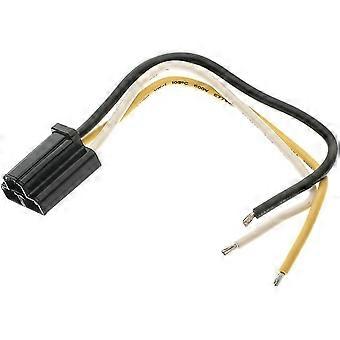
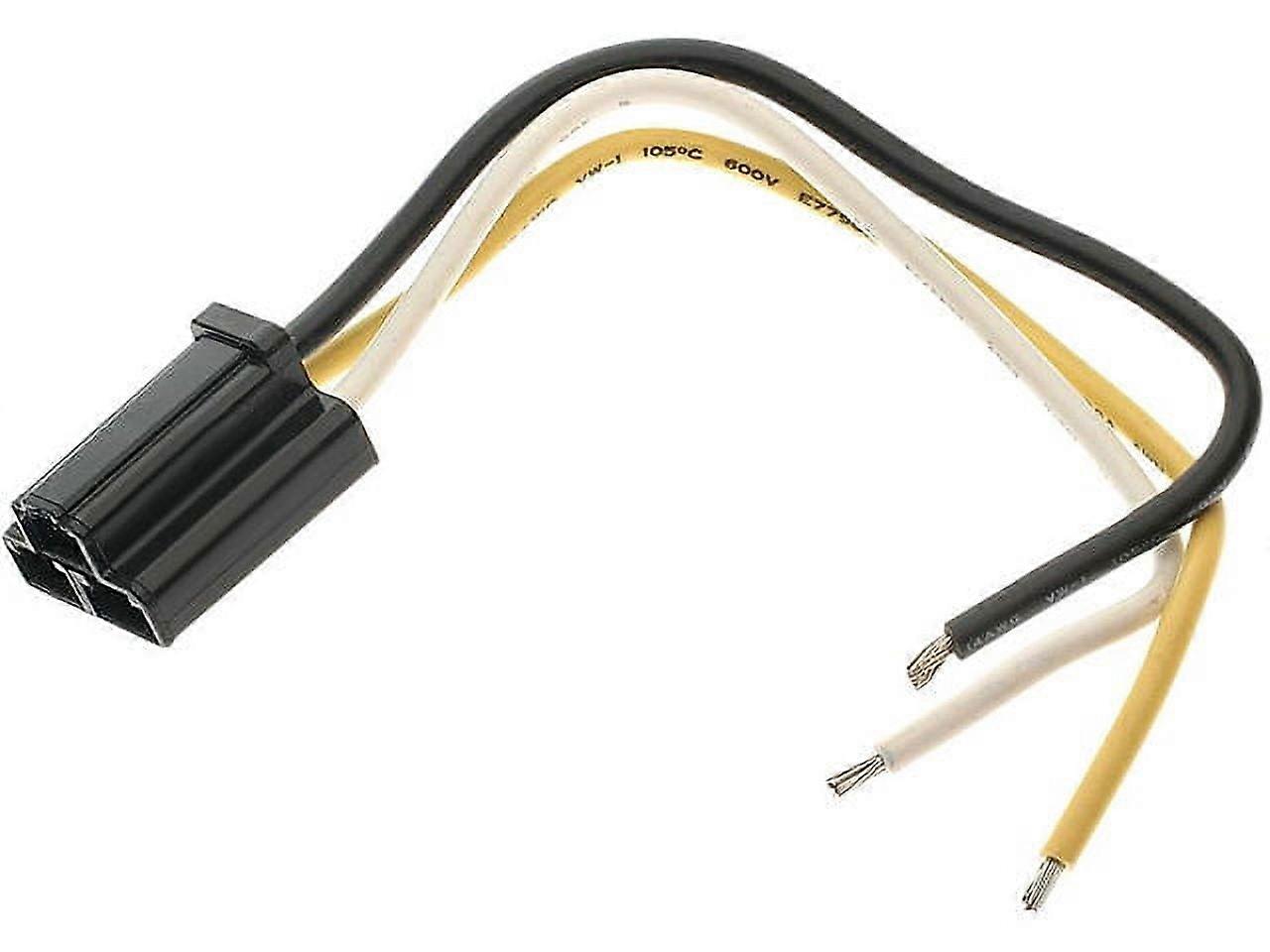
A/C Electrical Connector - Compatible with 1980 Cadillac DeVille
Please confirm your machine model before purchasing~
Tab S9 FE SM-X510/X516B 10.9 inch Tablet
Please note
English keyboard: There are only English letters on the keyboard.
Multilingual version keyboard: English letters and engraved language letters together.
No Touchpad Keyboard size: 10inch(247*150*6mm)
Touchpad Keyboard size: 10inch(250*170*6mm)
Note: The digital tablet and stylus are not included in the package. The detailed description is reference only. Please refer to the actual product the color of the product.
How to connect keyboard & Mouse?
1,Connect the mouse first, then connect the keyboard.
2,Mouse: Push the switch to the "Bluetooth" icon, find the Bluetooth connection with "Mouse" in the device Bluetooth list.
3,Normal Keyboard: Push the switch in the upper right corner to "ON", press "Connect", and find the Bluetooth connection with "Keyboard" in the device Bluetooth list.
4,Touchpad Keyboard:turn on keyboard ,press Fn+C to,then find the Bluetooth connection with "Keyboard" in the device Bluetooth list.
FAQ
Q:What should I pay attention to when connecting the mouse the first time?
A:When the mouse is connected the first time, you need to press the left button, the right button and the scroll wheel at the same time about 3-5 seconds.
Q: Is the scroll direction of the mouse USB connector and Bluetooth connection the same?
A: No, they are different. When using the USB connector, the scroll wheel slides in the same direction as the computer mouse. Bluetooth connection is the opposite.
Q: How to switch between different systems?
A: Fn+Q=Android, Fn+W=Windows, Fn+E=IOS.
Please note that please switch the system before connecting the tablet.
Q:The bluetooth keyboard letters are messy?
A: Please check the settings according to the prompts,
a. Check whether the keyboard language set on the device is English.
b. Disconnect the keyboard Bluetooth, click Ignore the connected device, reopen the Bluetooth keyboard, select system, Fn+E (IOS system).
Note: Fn+Q=Android, Fn+W=Windows, Fn+E=IOS
c. Press the L S Z buttons at the same time to reset the keyboard
Q:How to configure the input method different languages keyboard?
A:Take the tablet as example,open "Settings--"ystem"--"Language & input"--"Add Keyboard". ( systems, please set them in the system settings according to the tips of the example.)
Q:How does the mouse change teh scroll wheel sliding direction on the device?
A: The mouse is connected, open "General" - "Trackpad & Mouse" - close "Natural Scrolling".
1. Keep your compatible with Samsung Galaxy Tab S9 FE 10.9 Inch protected with this durable and stylish keyboard cover case. Lightweight and shockproof, it provides ultimate protection against scratches and drops. The versatile design allows for easy installation and comfortable use.
2. Stay productive on the go with this rechargeable wireless Bluetooth mouse and touchpad keyboard. The compact size is perfect for your Tab S9 FE 10.9 Inch, offering a convenient and portable solution for all your typing and navigation needs.
3. Protect your tablet with this ultra-thin and impact-resistant protective shell. The precise cutouts and magnetic closure ensure a secure fit, while the flexible design allows for easy use in any situation. Complete with a stand function and sensitive touch, this case offers full protection with a professional and sleek look.
4. Take your work to the next level with this high-quality and water-resistant protective keyboard cover case for your compatible with Samsung Galaxy Tab S9 FE. The soft material and ergonomic design provide comfort and durability, while the anti-fingerprint finish keeps your device looking trendy and professional.
5. Whether you're at home, in the office, or on the go, this multi-functional keyboard cover case offers all-round protection for your Tab S9 FE 10.9 Inch. With a scratch-resistant and anti-dust finish, this high-performance accessory is perfect for business, travel, and everyday use. Get yours today for the ultimate protection and style.
-
Brand:
Unbranded
-
Category:
Keyboards
-
Size:
German keyboard
-
Colour:
Pink B
-
Fruugo ID:
446114475-936819349
-
EAN:
9150754844267
Product Safety Information
Please see the product safety information specific to this product outlined below
The following information is provided by the independent third-party retailer selling this product.
Product Safety Labels

Safety Warnings:
Warning to keep away from water to prevent electric shocks.
Ingredients:
Other
Delivery & Returns
Dispatched within 3 days
Shipping from China.
We do our best to ensure that the products that you order are delivered to you in full and according to your specifications. However, should you receive an incomplete order, or items different from the ones you ordered, or there is some other reason why you are not satisfied with the order, you may return the order, or any products included in the order, and receive a full refund for the items. View full return policy