Description
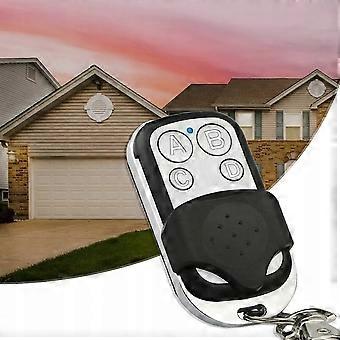
Transmitter Acs Rly433mhz4b
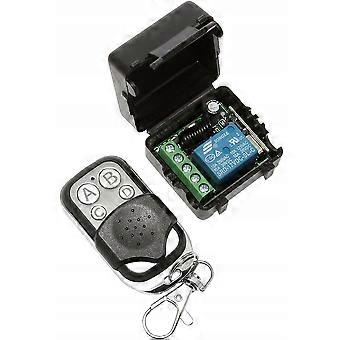
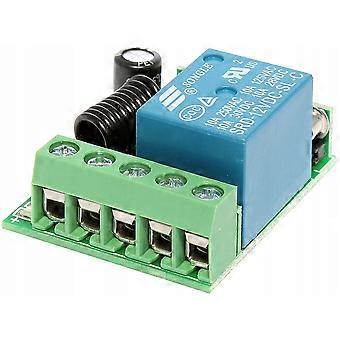
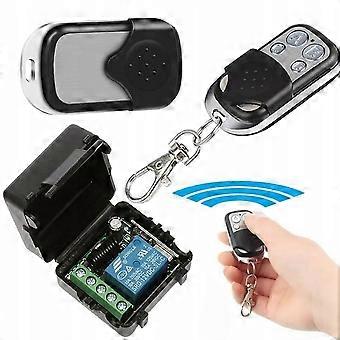
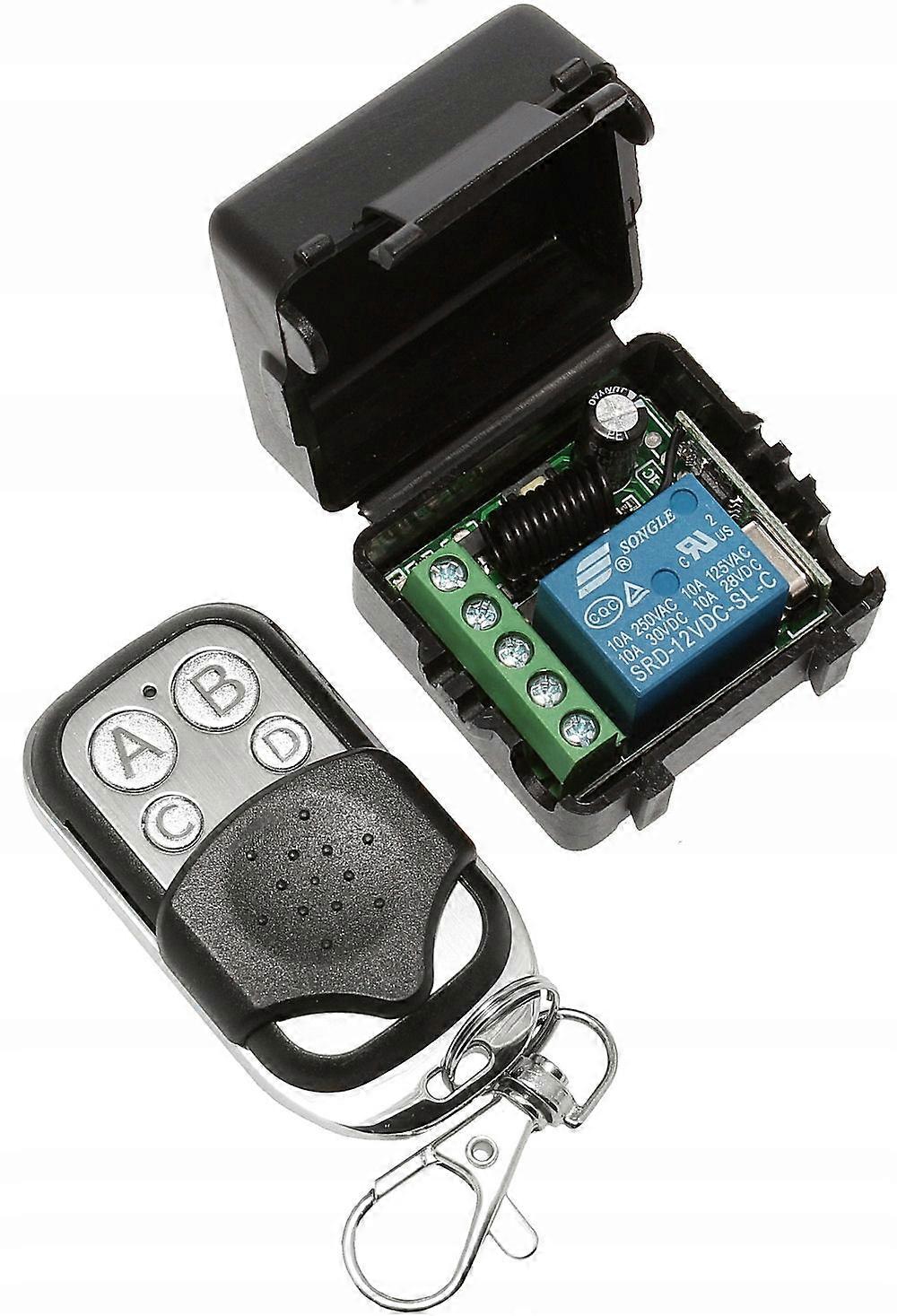
Relay Module with Remote Control 433MHz Supply Voltage: 10V-14V DC Receiver with relay in closed housing Frequency: 433MHz Current Watching 5mA
Relay included 35mA
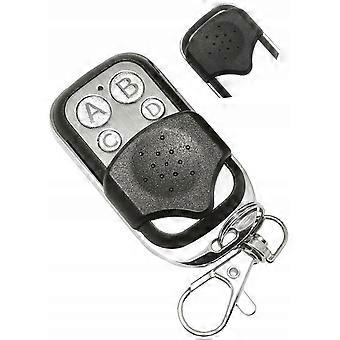
Range: do 100m in open space Number of buttons on the remote control: 4 (buttons with grille to protect against accidental pressing) Memory: 32 frequencies (buttons - multiple buttons can be assigned do one function - description of functions and connections below) Relay Housing Dimensions: 42mm x 40mm x 27mm(H) Remote control dimensions: 55mm x 30mm x 14mm(H) (without carabiner) Programming Instructions and Function Description: MOMENTARY MODE: The relay is only switched on when the button on the remote control is pressed, e.g. A Press the programming button 1 time briefly (the LED blinks when pressing the button) ->after a while the diode will light up (the module waits for pressing the button) ->Press the selected button -> the diode blinks several times (correct programming signal ) ->Do
SINGLE-BUTTON SWITCH mode: The relay is switched on with a button e.g. And, after releasing the button, it remains on do when you press the same A button again on the remote control. Press the programming button 2 times briefly (the LED blinks every time you press the button) ->after a while the diode will light up (the module waits for pressing the button) ->Press the selected button -> the diode blinks several times (correct programming signal ) ->Do
TWO-BUTTON SWITCH mode: The relay is switched on with a button e.g. And, after releasing the button, it remains on do when you press the button e.g. B on the remote. Press the programming button 3 times briefly (the LED blinks every time you press the button ) -> the diode will light up after a while (the module waits for the button to be pressed ) -> press the selected RELAY SWITCH button (e.g.
A ) -> the diode blinks several times and then lights up again (the module waits for the button to be pressed ) -> press the selected OFF RELAY button (e.g. B ) -> the diode blinks several times (correct programming signal ) -> Do memory buttons on the remote control SWITCH MODE WITH COUNTDOWN 5 seconds: The relay is switched on with a button e.g. A -> the relay turns on and stays on for 5 seconds after releasing the button on the remote control (if you hold the button down for a few seconds -starts the countdown from releasing the button ) Press the programming button 4 times briefly (the LED blinks every time you press the button ) ->after a while the diode will light up (the module waits for pressing the button) ->Press the selected button -> the diode blinks several times (correct programming signal ) ->Do
SWITCH MODE WITH COUNTDOWN 10 seconds: The relay is switched on with a button e.g. A -> the relay turns on and stays on for 10 seconds after releasing the button on the remote control (if you hold the button down for a few seconds -starts the countdown from releasing the button ) Press the programming button 5 times briefly (the LED blinks every time you press the button ) ->after a while the diode will light up (the module waits for pressing the button) ->Press the selected button -> the diode blinks several times (correct programming signal ) ->Do
SWITCH MODE WITH COUNTDOWN 15 seconds: The relay is switched on with a button e.g. A -> the relay turns on and stays on for 15 seconds after releasing the button on the remote control (if you hold the button down for a few seconds -starts the countdown from releasing the button ) Press the programming button 6 times briefly (the diode blinks every time you press the button ) ->after a while the diode will light up (the module waits for pressing the button) ->Press the selected button -> the diode blinks several times (correct programming signal ) ->Do
SWITCH MODE WITH COUNTDOWN 20 seconds: The relay is switched on with a button e.g. A -> the relay turns on and stays on for 20 seconds after releasing the button on the remote control (if you hold the button down for a few seconds -starts the countdown from releasing the button ) Press the programming button 7 times briefly (the LED blinks every time you press the button ) ->after a while the diode will light up (the module waits for pressing the button) ->Press the selected button -> the diode blinks several times (correct programming signal ) ->Do
Each SWITCH MODE WITH COUNTDOWN : when you press the button on the remote again during the countdown – the relay will turn off
DELETE MODULE MEMORY: Deletes all remembered buttons / Remotes
Press the programming button 8 times briefly (the LED blinks every time you press the button except the eighth ) -> the LED blinks several times -> all Remotes (buttons ) have been removed from memory
-
Fruugo ID:
365822898-792621284
-
EAN:
6901780213465
Delivery & Returns
Dispatched within 24 hours
Shipping from China.
We do our best to ensure that the products that you order are delivered to you in full and according to your specifications. However, should you receive an incomplete order, or items different from the ones you ordered, or there is some other reason why you are not satisfied with the order, you may return the order, or any products included in the order, and receive a full refund for the items. View full return policy